Actionable Reports
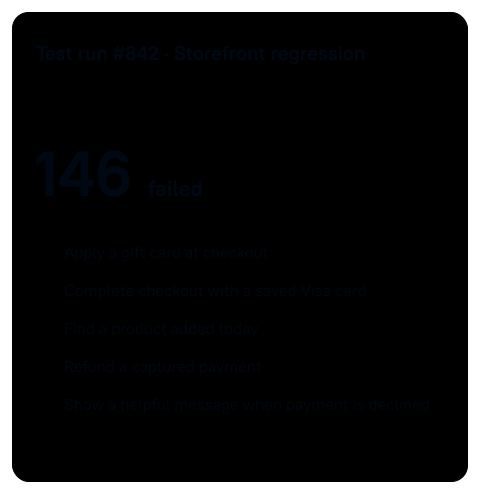
146 tests failed. Which ones need you?
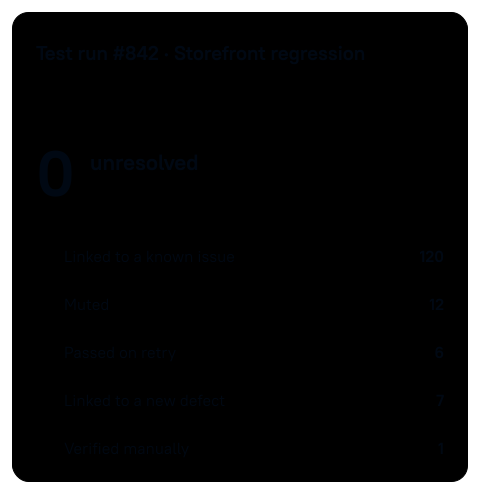
Most of these failures are ones you've already triaged. Allure TestOps links them to known issues automatically, and you handle the rest in the same test run.
No credit card required
Known issues
Triage once. Not every run.
Failures that match a known issue are linked to it automatically. Muted tests still run, but they don't affect the success rate. Only 14 failures still need you, and some look flaky.
Rerun selected tests
Rerun the suspects. Not the whole suite.
Rerun just those tests through CI. In this run, the full regression takes 40 minutes and the suspects are back in three. Their retries land in the same test run, next to the original failures. Six pass, and eight failures remain.
Failure investigation
Eight new failures. Now look closely.
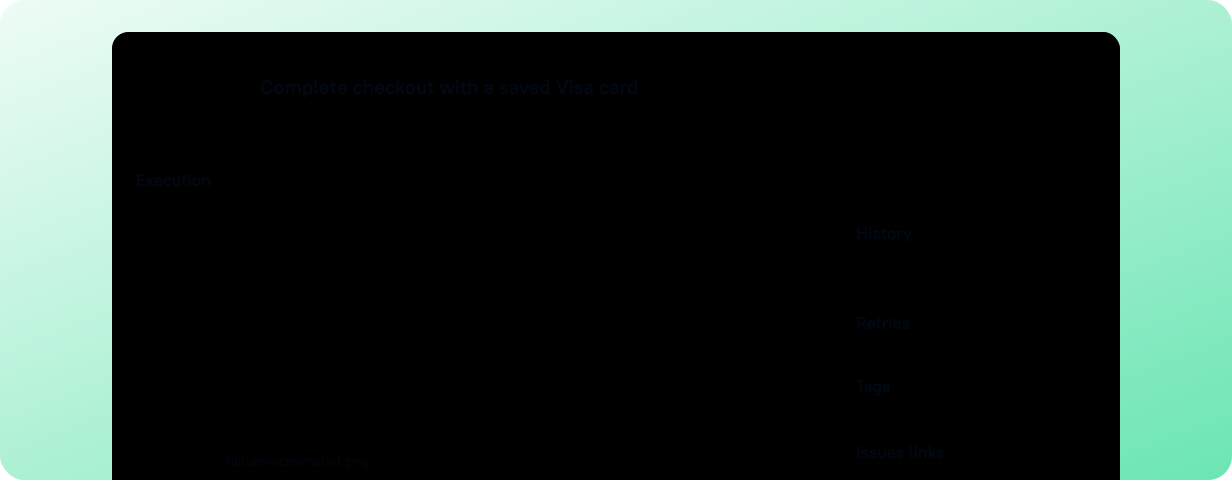
Open a failed test and follow its scenario to the step that broke, with the error and the screenshot your test attached. You understand the failure before you try to reproduce it.
Then look around the failure.
Compare branches, see what ran alongside it, and check its history to tell a product bug from an environment problem. Seven of the eight share one checkout error.
Compare this test run with runs on other branches to see where the failure appears.

Defects
Save what you found. The next run will know.
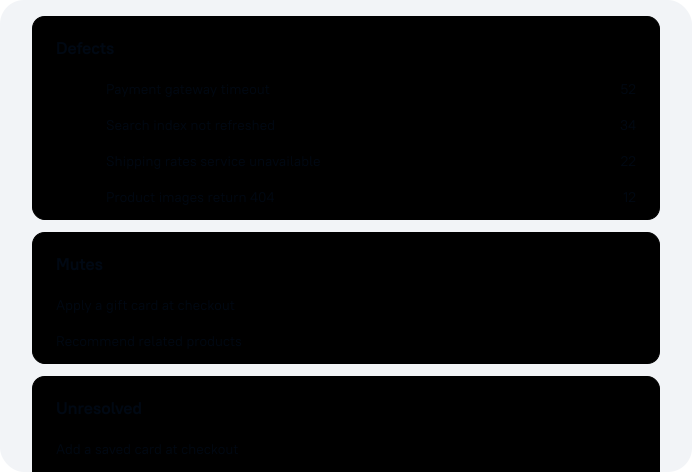
Fifteen minutes on this error today. None in the next run. Save it as a defect, and the seven failures no longer need you. They stay failed until a developer fixes the bug.
Share report
Share the evidence. Guests are free.
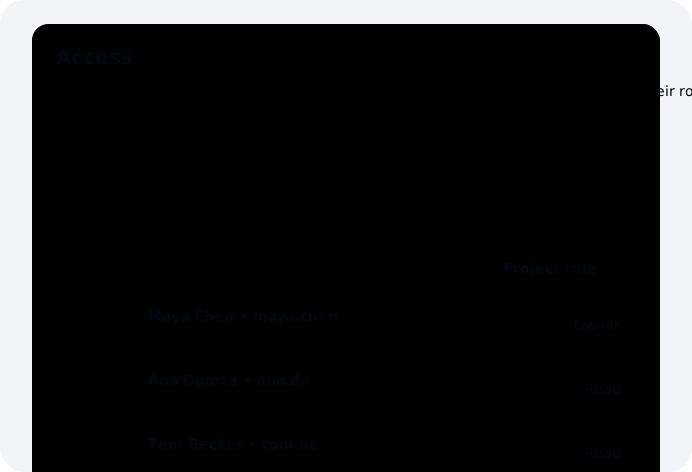
Add the developer to the project as a guest. Guests see the failed tests and their evidence themselves. They get read-only access and don't use a license. One failure is still open.
Manual rerun
Automation broke. The release can't wait.
The last test broke on a changed checkout page, not on a product bug. Rerun it manually and the release goes ahead today, with the failed automated attempt kept beside it as a retry.
Zero unresolved. Your next run starts here.
In the next run, failures that match your defects are linked automatically. Try it on your own pipeline.
No credit card required