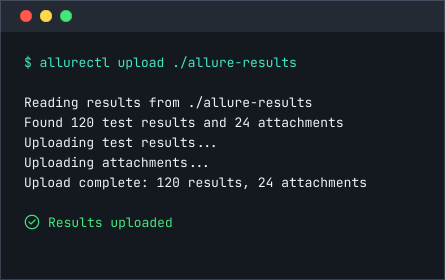
CLI
Import automated tests
Upload results with allurectl to bring existing automated tests into TestOps. Their readable scenarios update when those tests run again.
Explore CLIAutomated Test Sync
Your automated tests already live in code. Allure TestOps brings them into a shared test base with readable scenarios that update when the tests run again. See what is tested and choose where to add automation next without maintaining a second list by hand.
No credit card required
Problem
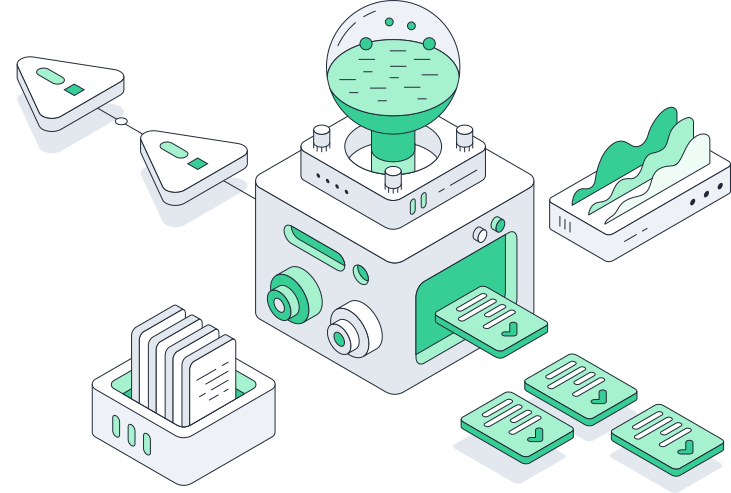
A larger automated suite does not automatically give you a reliable picture of what is tested or where to add automation. Keeping that picture current across code and test management becomes work of its own.
You have to read the code or ask its author to find out what a test checks.
The test changes in code, but its scenario in test management does not.
The automation rate rises while critical features still depend on manual tests.
The automated test can pass without checking what the manual test was meant to verify.
Test scenarios
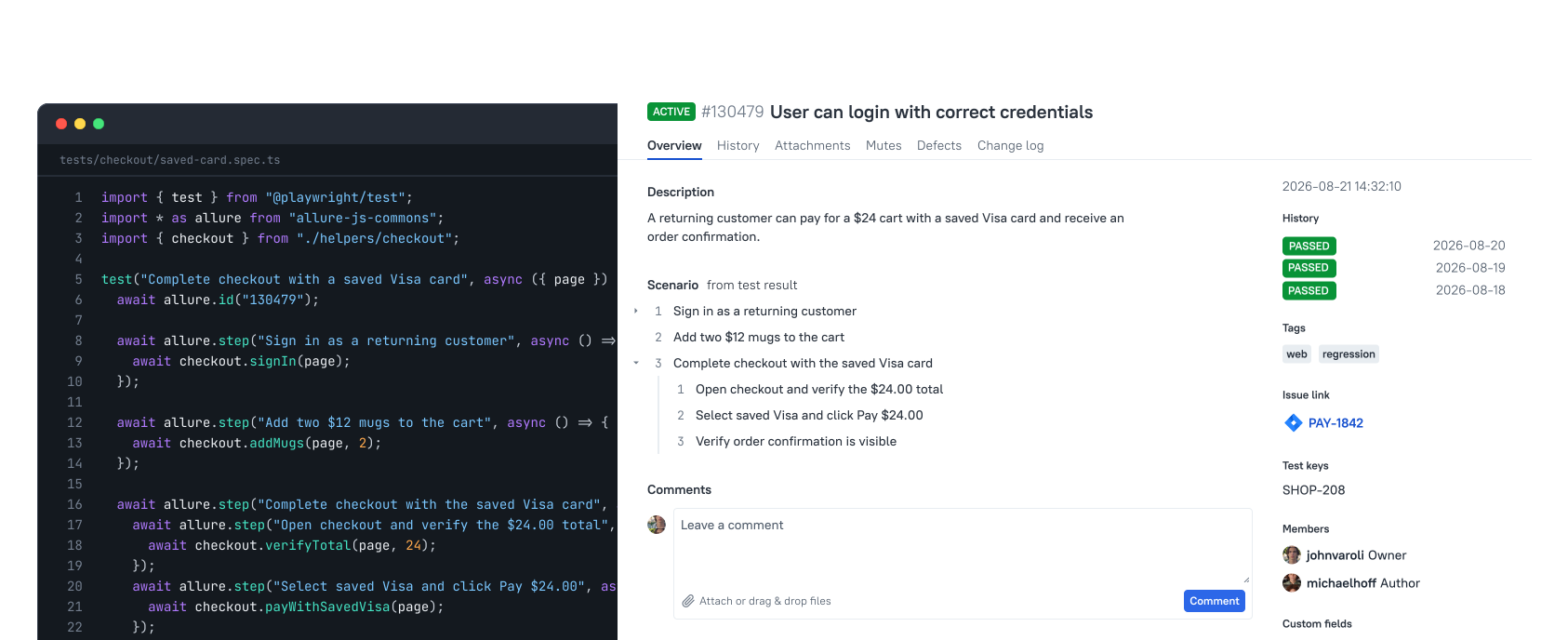
Entering automated tests again in test management creates a second set to maintain. Allure TestOps creates and updates readable scenarios from their results in a shared test base. You can see which tests exist and what they check without documenting the same automation twice.
Automation coverage
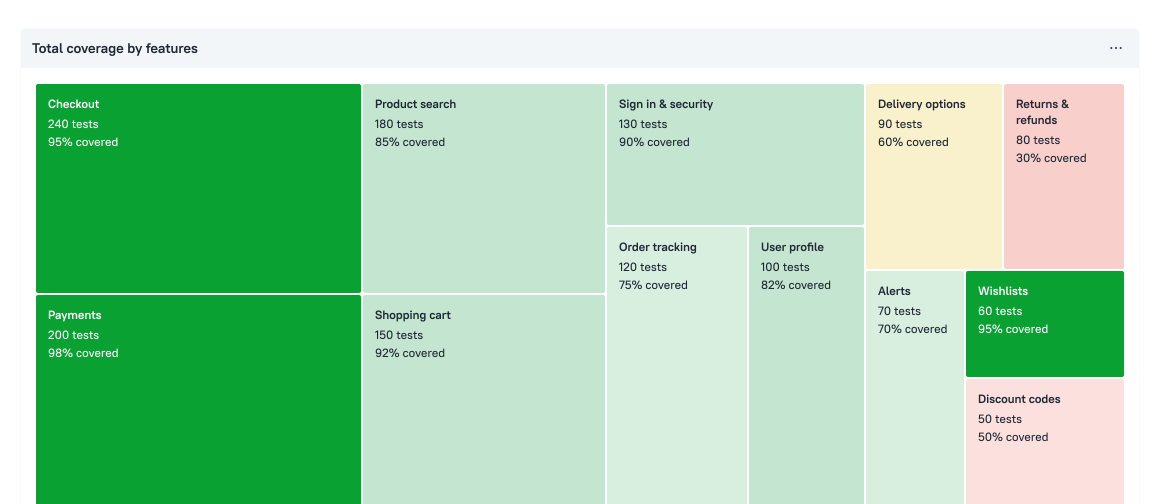
The overall automation rate rises, but a business-critical feature still relies mostly on manual tests. Allure TestOps shows what percentage of each feature's tests is automated. Find a high-priority area with low automation coverage, read its manual scenarios, and choose what to automate next.
Test code generation
The manual test already spells out what the automated one should check. A blank code file doesn't carry that scenario over. Allure TestOps generates a code template from the manual test's steps. The written scenario guides you as you implement the actions and assertions. The template includes the manual test's Allure ID, so the automated test and results from future runs stay linked to the original test in TestOps.
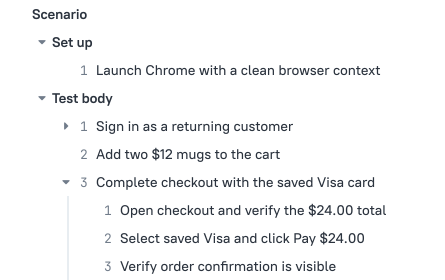
Choose the written scenario you want to automate. Its steps shape the generated code.
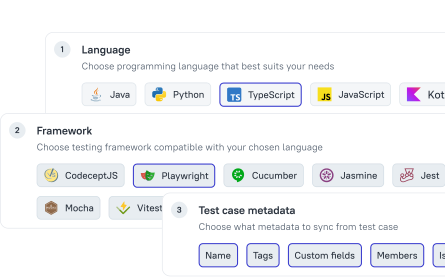
Select a supported framework and the metadata to carry into the code.
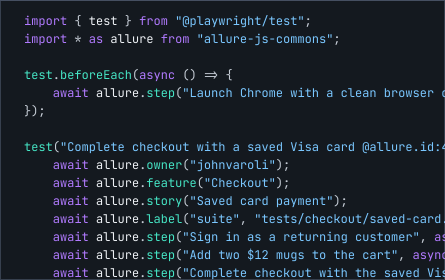
Add actions and assertions to the generated steps. Keep the Allure ID so results return to the original test.
Integrations
Your testing workflow spans CI pipelines, internal tools, and coding agents. A test base confined to one UI cannot support all of it. Allure TestOps connects those workflows through allurectl, REST API, and MCP. You build your processes around one maintained test base.
CLI
Import automated tests
Upload results with allurectl to bring existing automated tests into TestOps. Their readable scenarios update when those tests run again.
Explore CLI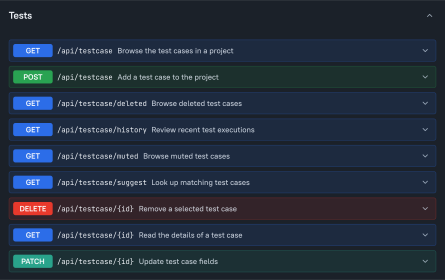
REST API
Connect your tools
Use the REST API to bring test status and metadata into your internal tools. Build the analytics and follow-up actions your process needs.
Explore the REST API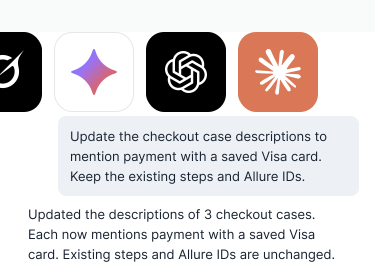
MCP
Give agents context
Give your agent a requirement. Through MCP, it checks existing TestOps scenarios before creating or updating tests in the same base.
Connect through MCPBring the automated tests you already run into Allure TestOps. See their scenarios in one shared base without maintaining a second list by hand.
No credit card required